Windows/Microphone
It's possible to have a microphone play thru your Windows 7 computer. First, plug your microphone into your "Line in" jack, or if you have a USB mic, just plug it in.
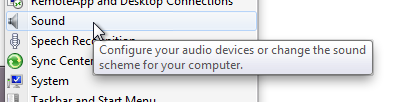
Then, go to Start->Control Panels->Sound
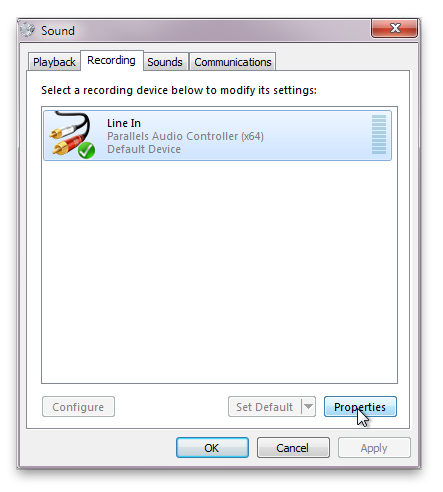
Then click the "Recording" tab
Then, click the "Line in" (or your USB mic), and click "Properties"
Then, click the "Listen" tab, then check the "Listen to this device" check box.
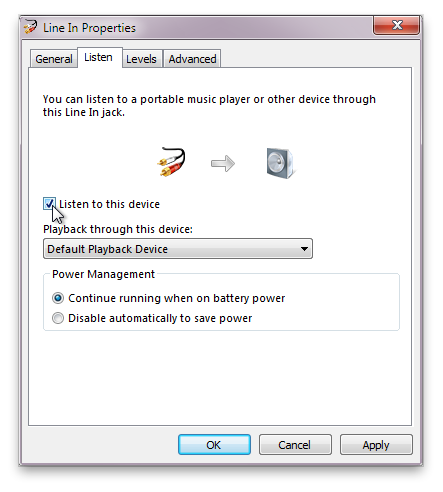
Now click "Apply" and you will hear sound coming thru your microphone.