~
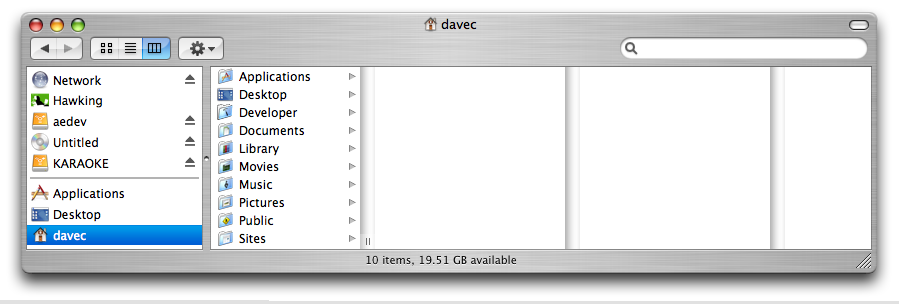
In the Unix world, the character "~" (tilde) stands for "your home folder". eg: if your username is "davec", then your user's home folder is at the address /Users/davec/. On the mac, it appears that your hard drive name is prepended to the path, so for example my hard drive's name is "Hawking", so in the finder it looks like this:
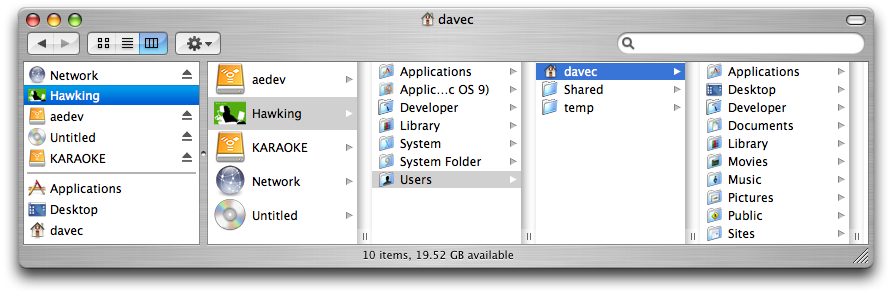
Altho technically, from a unix perspective, the root (startup) hard drive's name is simply "/".
The tilde is short for the home folder, it is like clicking the little "Home" icon in the finder: