Web Purchase
You have been sent here to purchase kJams or one of its plugins.
In another open web browser tab, you should see the purchase window, it looks like this:
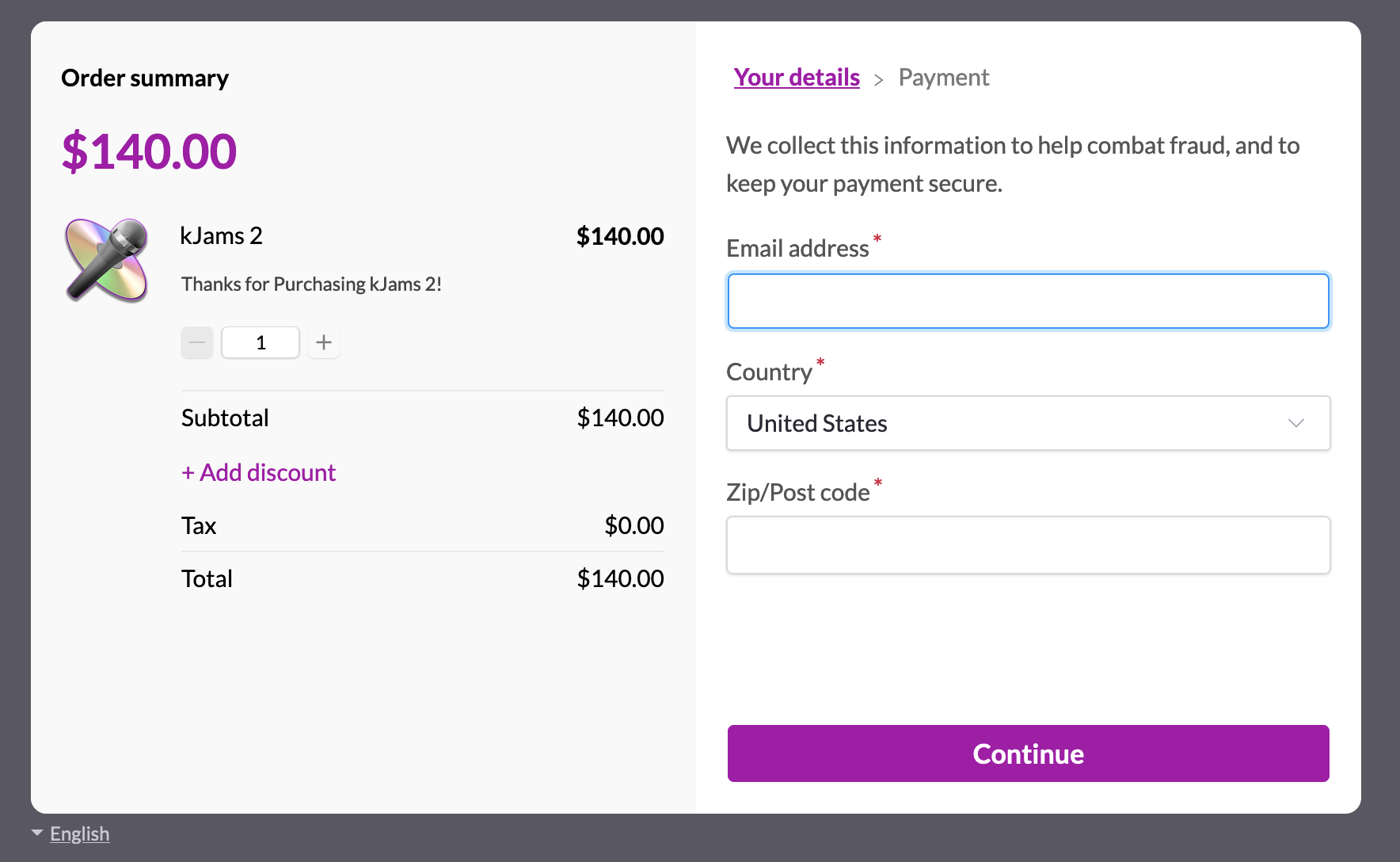
You can change the language of the user interface by clicking the button (link) at the lower left.
Then do this:
- if you do NOT have a coupon, skip to the next step. Else, click here.
- complete the purchase as normal.
- You will be sent an email
- Go to that email
- find your serial number
- select it, then in the Edit menu pick Copy
- go back to kJams, you should see a dialog asking you to copy your serial number
- Press OK
- the "Enter Serial Number" dialog will come up, with your SN already applied.
- check that it is good, and hit OK!
You should be good to go!
If you have trouble, see this article.